 VIDAA Smart TV



VIDAA Smart TV Integration
100% Local Push Smart TV & Projector Integration for Home Assistant
A native, zero-cloud Home Assistant custom integration for smart TVs and portable projectors running VIDAA OS (Hisense, Toshiba, Loewe, Philips, Sharp, JVC, TOPTRO, and partner brands). Connects directly to the internal hardware MQTT broker over TLS (port 36669), delivering instantaneous state feedback, media controls, app launching, and remote navigation with zero external bridges or cloud dependencies.
client_mobile_android.p12 or El.p12 from the free public APK (no Android device needed).
.p12 file into your Home Assistant /config/ssl/ directory.
Key Features
- 100% Local LAN Control (
iot_class: local_push): Communicates directly with the TV's internal broker over your local network with zero cloud dependencies. Supports isolated IoT VLANs with WAN access blocked. - Universal Multi-Brand & Projector Support: Universal compatibility with all licensed VIDAA OS devices including Hisense, Toshiba, Loewe, Philips/TPV, Sharp, JVC, and portable smart projectors (TOPTRO). Includes automatic brand profiling and a dedicated
Brand Profilediagnostic sensor. - Zero-Configuration Auto-Discovery: Automatically detects brand and hardware generation via UPnP device descriptors (port 38400) and certificate analysis, populating device registry metadata automatically.
- Native Python Cryptography: All challenge-response handshake algorithms and 64-bit XOR transformations run in pure native Python with zero binary library dependencies.
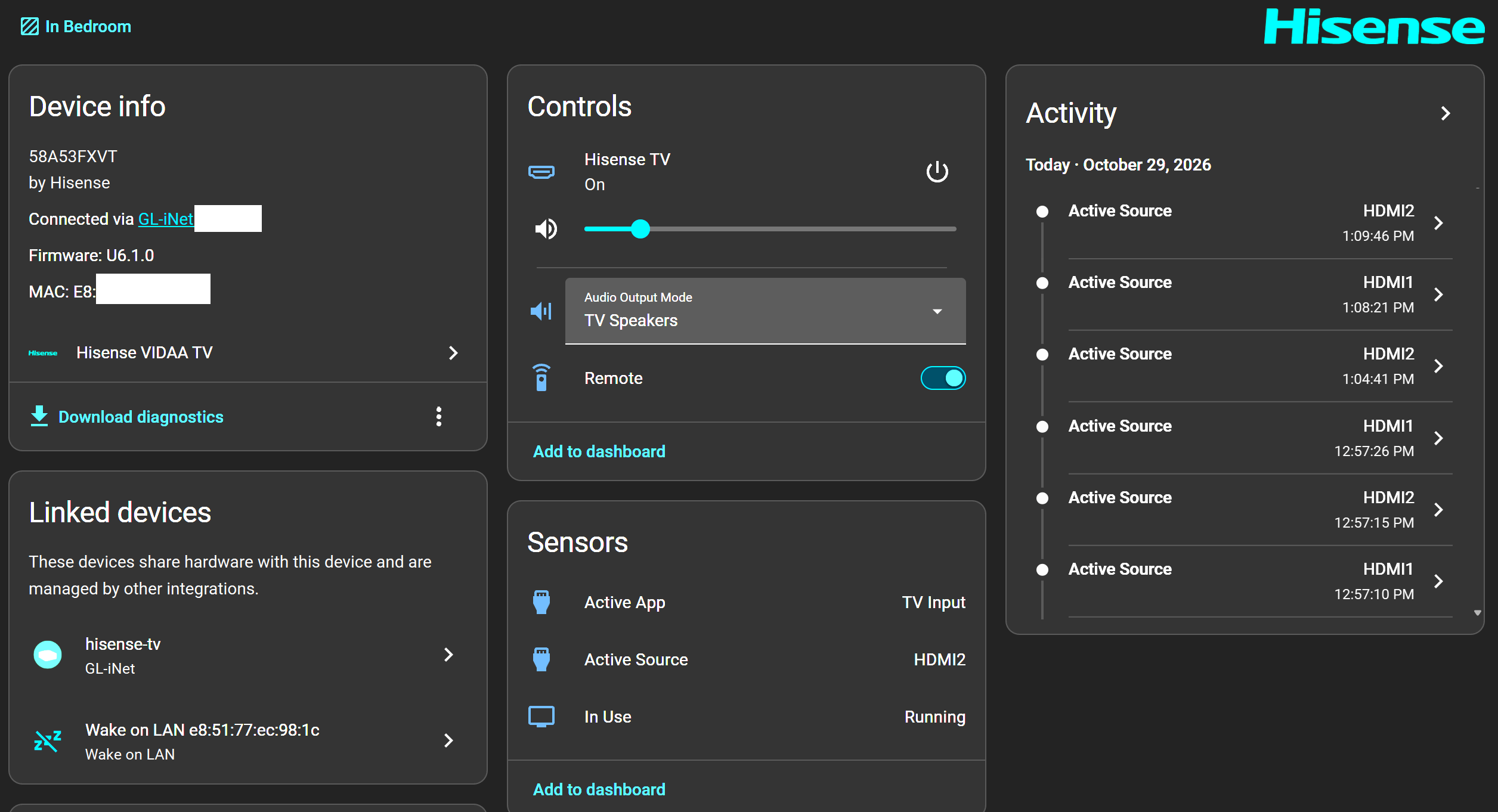
- Media Player Platform: Full power toggle, volume stepping, input source switcher, dynamic app artwork, deep linking, and transport controls. Exposes
MediaPlayerDeviceClass.TVfor Apple HomeKit / Control Center integration. - Pluggable Turn-On Automations (
device_trigger): Interceptsmedia_player.turn_onvia standard Home AssistantPluggableActiontriggers, enabling custom power-on sequences (smart plugs, relays, IR blasters) with automatic fallback to native WoL and MQTT power keys. - Context-Aware Track & Channel Controls: Steps Live TV channels, skips streaming app tracks, and tunes direct channel numbers or station names via
play_media. - Dedicated Remote Platform: Fast key command dispatching, key aliases (
home,menu,back,ok), customizable repeat counts, and configurable inter-key delays. - Picture & Display Calibration (
number&select): Fine-tune Backlight, Brightness, and Contrast sliders (0–100) and switch picture modes (Cinema Day, Cinema Night, Dynamic, Filmmaker, Game). - Sound Mode Selector & Audio Routing: Switch real-time TV sound equalizer presets (Standard, Theatre, Music, Speech, Late Night, Sports) and monitor live audio output routing (
audio_output: TV Speakers vs ARC / eARC). - Direct Virtual Keyboard Text Input: Inject text into active on-screen search bars and browser input fields with
vidaa.send_text_input. - Subnet-Directed Wake-on-LAN: Multi-burst WoL magic packet dispatching with configurable subnet broadcasting across dual-NIC and VLAN networks.
- Tabbed Options Flow & Diagnostics: Intuitive categorized settings dialogs (General & Power, Sources & Media, Remote Key Timings, Security & Brand) plus dedicated diagnostic sensors and one-click repair buttons.
Supported Brands & Devices
This integration supports any smart TV or portable projector powered by VIDAA OS with 4-digit PIN pairing. Over 22+ OEM licensee brands share the universal VIDAA core:
💡 Zero-Configuration Auto-Detection: All VIDAA OS devices share the same internal broker architecture and certificate authority (RemoteCA). During initial setup, the integration probes the device's UPnP service descriptor (port 38400) to detect the exact brand, assign the appropriate security salt, and register the manufacturer in Home Assistant's Device Registry without manual intervention.
Supported Firmware Generations
| Generation / Firmware | Profile | Authentication Model | Pairing Method |
|---|---|---|---|
| Modern VIDAA OS (2024+ / U6K+, U7, U8 / protocol ≥ 3290) | modern |
VIDAA 2.0 (64-bit XOR mask + modern salt) | 4-Digit Screen PIN |
| Middle VIDAA OS (VIDAA 1.5 / protocol 3000–3285) | middle |
Middle VIDAA (64-bit XOR mask + standard salt) | 4-Digit Screen PIN |
| Standard VIDAA OS (2018–2023 / U4, U5, early U6 / protocol < 3000) | remotenow |
RemoteNOW Dynamic (his$<timestamp> + standard salt) |
4-Digit Screen PIN |
| Legacy Hisense / Older Models (Pre-2022 / U2, U3) | legacy |
Legacy Static (hisenseservice / multimqttservice) |
Instant Setup (No PIN) |
| Automatic Fallback Cascade | auto |
Intelligent UPnP transport detection + 4-tier cascade | Automatic |
Documentation & Guides
Support Ongoing Development
Reverse-engineering proprietary VIDAA firmware protocols, maintaining 4-tier authentication cascades, and supporting 7 languages is an independent effort. If this integration saves you time or makes your smart home better, consider supporting future development with a coffee!
Frequently Asked Questions
iot_class: local_push). You can isolate your TV or projector on a dedicated IoT VLAN with external internet access completely blocked, and Home Assistant will continue to control it seamlessly.